
SnapDraw
Keep annotated screenshot references above your Mac windows
Screenshot capture and annotation tools for Mac
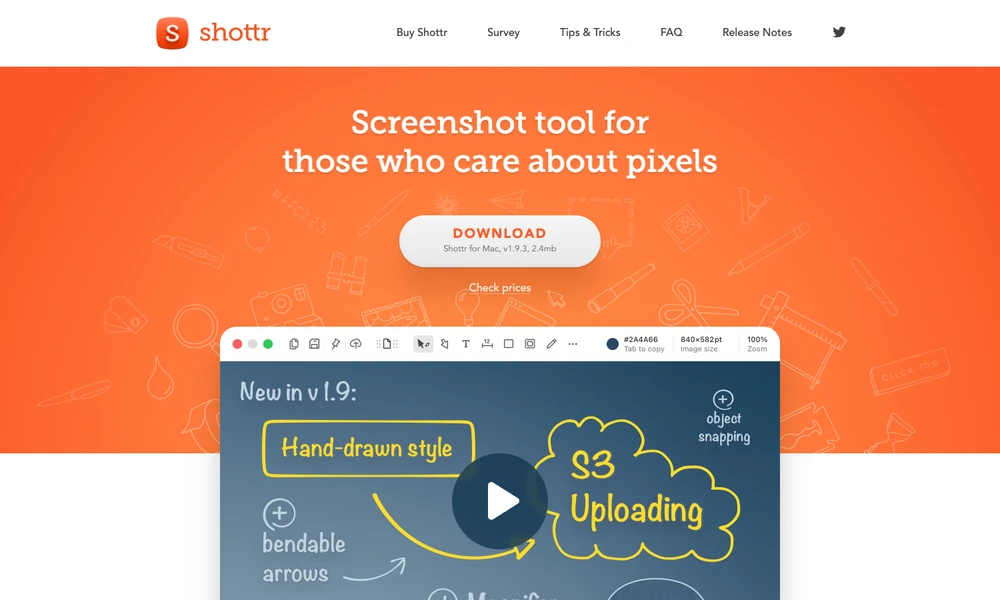
Shottr is a macOS screenshot tool for capturing and explaining what is on screen. Capture scrolling content, add text or marks, hide selected information, and extract text or QR-code data with OCR. Multiple captures can share a canvas, and image overlays help compare two views. A screen ruler, pixel zoom, and color picker inspect interface details. Resize an image, add a background, or pin it as a floating reference above other windows. Activated features include upload options such as S3. The annotation and inspection tools remain available alongside the capture while you prepare the image for another person to read.
Tried it? Share a useful thought or ask a question.
Good conversations start with a hello.
Sign in to commentKeep annotated screenshot references above your Mac windows
Capture, annotate, and share your Mac screen
Capture and annotate Windows screenshots for reports and documentation
Capture and annotate screens for design feedback, bug reports, and coding agents.
Frame, annotate and redact screenshots on a Mac
Capture, annotate, and style screenshots locally on your Mac.