

Annotate
Turn recorded screen walkthroughs into briefs for coding agents
Record screen walkthroughs and share video updates with your team
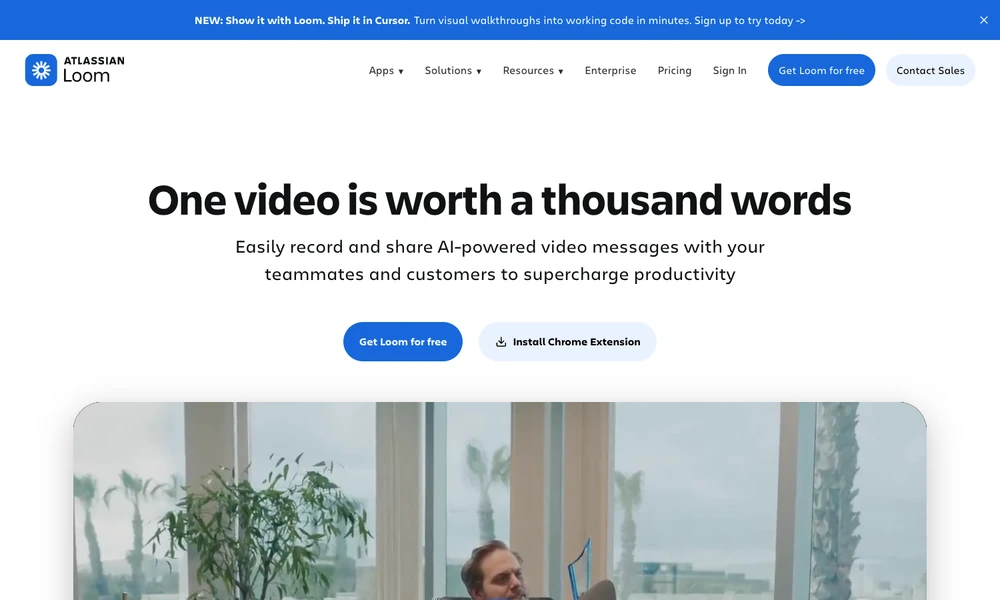
Loom records a screen and camera as a video message that other people can watch later. Creators can use desktop, mobile, or Chrome tools to capture a walkthrough, then share a link or embed the recording in another workspace. Editing tools trim or join clips and add visual annotations or text.
Transcripts and captions accompany the recording, while viewers can leave comments and reactions. Privacy controls determine access, and viewer insights show how the video is used. Teams organize recordings in shared spaces for explanations, updates, or demonstrations, with enterprise identity and retention settings available for managing the wider video library.
Tried it? Share a useful thought or ask a question.
Good conversations start with a hello.
Sign in to commentTurn recorded screen walkthroughs into briefs for coding agents
Record screen walkthroughs and edit narration, captions, and presentation in one workflow.
Record work, find individual tasks, and share them with teammates
Record Mac tutorials with automatic zoom, keystrokes, and live annotations.
Capture short screen recordings and screenshots from the Mac notch.
Record Mac screen demos with automatic zoom and smooth cursor motion.