

Swish
Arrange Mac windows with trackpad gestures and keyboard shortcuts
Switch between Mac windows by searching their titles
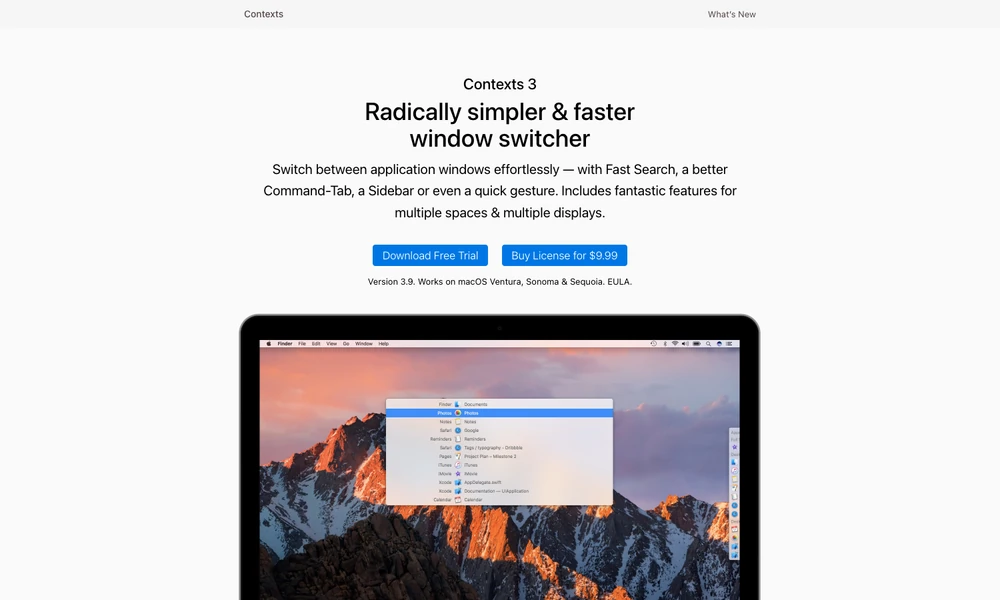
Contexts switches between individual windows on a Mac, including several windows belonging to the same app. Open its search, type part of an app name or window title, and select the window you want. Matching works with nonconsecutive characters and learns shortcuts from earlier selections, so a familiar query can bring a frequently used window to the front.
Fast Search uses a held modifier key, with the selected window appearing when you release it. A window-based Command-Tab view, a sidebar, and gestures provide other ways to switch. Controls for multiple displays and spaces help keep those choices useful when your work spans more than one desktop.
Tried it? Share a useful thought or ask a question.
Good conversations start with a hello.
Sign in to commentArrange Mac windows with trackpad gestures and keyboard shortcuts
Prepare Mac workspaces automatically from your calendar, schedule, and connected displays.
Keep live reference windows visible while working on a Mac
Arrange Mac windows with shortcuts and snap areas.
Save your Mac window arrangements and restore them with a shortcut.
Bring coding-agent prompts, files, and useful widgets into the Mac notch