

Contexts
Switch between Mac windows by searching their titles
Arrange Mac windows with trackpad gestures and keyboard shortcuts
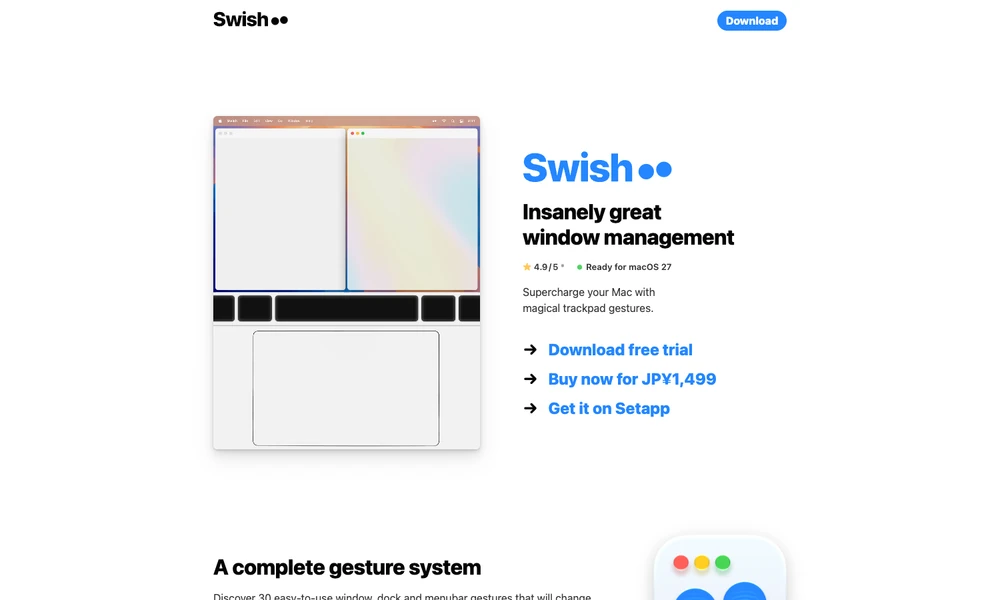
Swish uses gestures to arrange and control windows on macOS. Swiping a title bar places a window in a grid, while other gestures close it or enter full screen. Magic Trackpad, Magic Mouse, and keyboard controls provide different ways to use the same window-management functions.
In a multi-monitor setup, gestures move windows between screens according to their physical arrangement. Shared dividers resize neighboring windows together, preserving the layout as the user adjusts space. Individual gestures can be enabled or disabled, and a tutorial explains the controls. Users choose the gestures they need, then organize the workspace directly around the windows they are using.
Tried it? Share a useful thought or ask a question.
Good conversations start with a hello.
Sign in to commentSwitch between Mac windows by searching their titles
Prepare Mac workspaces automatically from your calendar, schedule, and connected displays.
Keep live reference windows visible while working on a Mac
Arrange Mac windows with shortcuts and snap areas.
Save your Mac window arrangements and restore them with a shortcut.
Snap Mac windows into standard or custom screen areas